01
Open a public video
Use YouTube, TikTok, Instagram, or Facebook in Chrome.
 VidiRelay for Chrome
Add VidiRelay to Chrome, open a public video, and start a transcript without leaving the page.
Google sign-in stays with VidiRelay. The extension stores only a short-lived session.
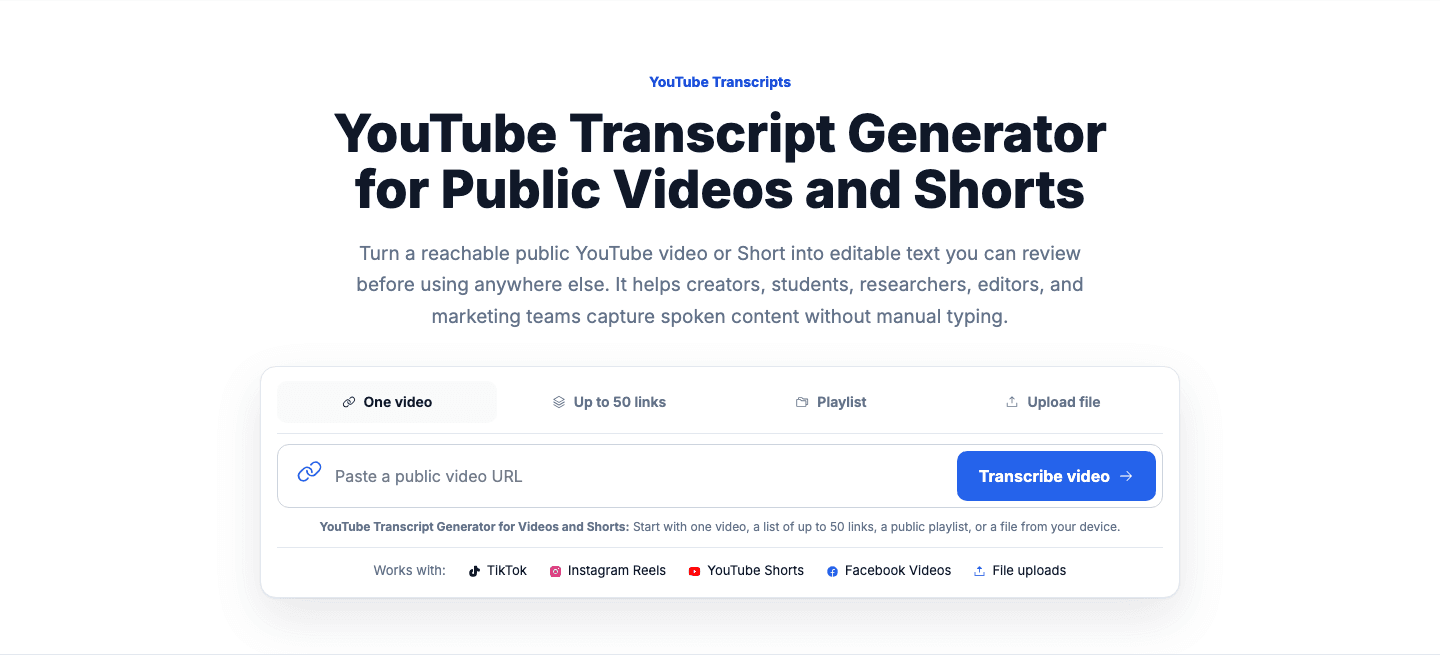
VidiRelay for Chrome
Open the page as usual. The button starts the transcript, and the full result opens in VidiRelay.
How it works
Use YouTube, TikTok, Instagram, or Facebook in Chrome.
The extension sends the current video to your VidiRelay workspace.
Edit, download, share, or turn the transcript into new content.

After the click
Follow progress, correct timestamps, search the transcript, download subtitles, and create content from the result in VidiRelay.
Start beside the video
Open a supported public video and use the VidiRelay action beside the controls.
See when the video is checked, the transcript is built, and the result is ready.
Move into the workspace for timecodes, exports, sharing, and content reuse.
VidiRelay processes public video links you are allowed to use. It does not bypass logins, private posts, region restrictions, removed media, or platform protections.
Need to know
A concise guide to the extension, supported video sites, and the VidiRelay workspace.
The extension is designed for public YouTube videos and Shorts, TikTok videos, Instagram Reels, and Facebook videos. If the button is unavailable, paste the link in the popup or use the right-click menu.
No. VidiRelay works with public sources that can be accessed under the platform's normal rules. It does not bypass login gates, access controls, region restrictions, or removed media.
The extension starts the transcript and shows its progress. The full VidiRelay workspace is where you edit timestamped segments, search, share, and export TXT, SRT, VTT, CSV, JSON, or DOCX files.
Yes. Sign in with Google so your transcripts and credits stay attached to your VidiRelay workspace. The extension does not store your Google password.
Install VidiRelay for Chrome and get back to watching videos as usual.
 Get VidiRelay for Chrome