Import subtitle file
Load the existing subtitle file before choosing a new format.

Subtitle Tools
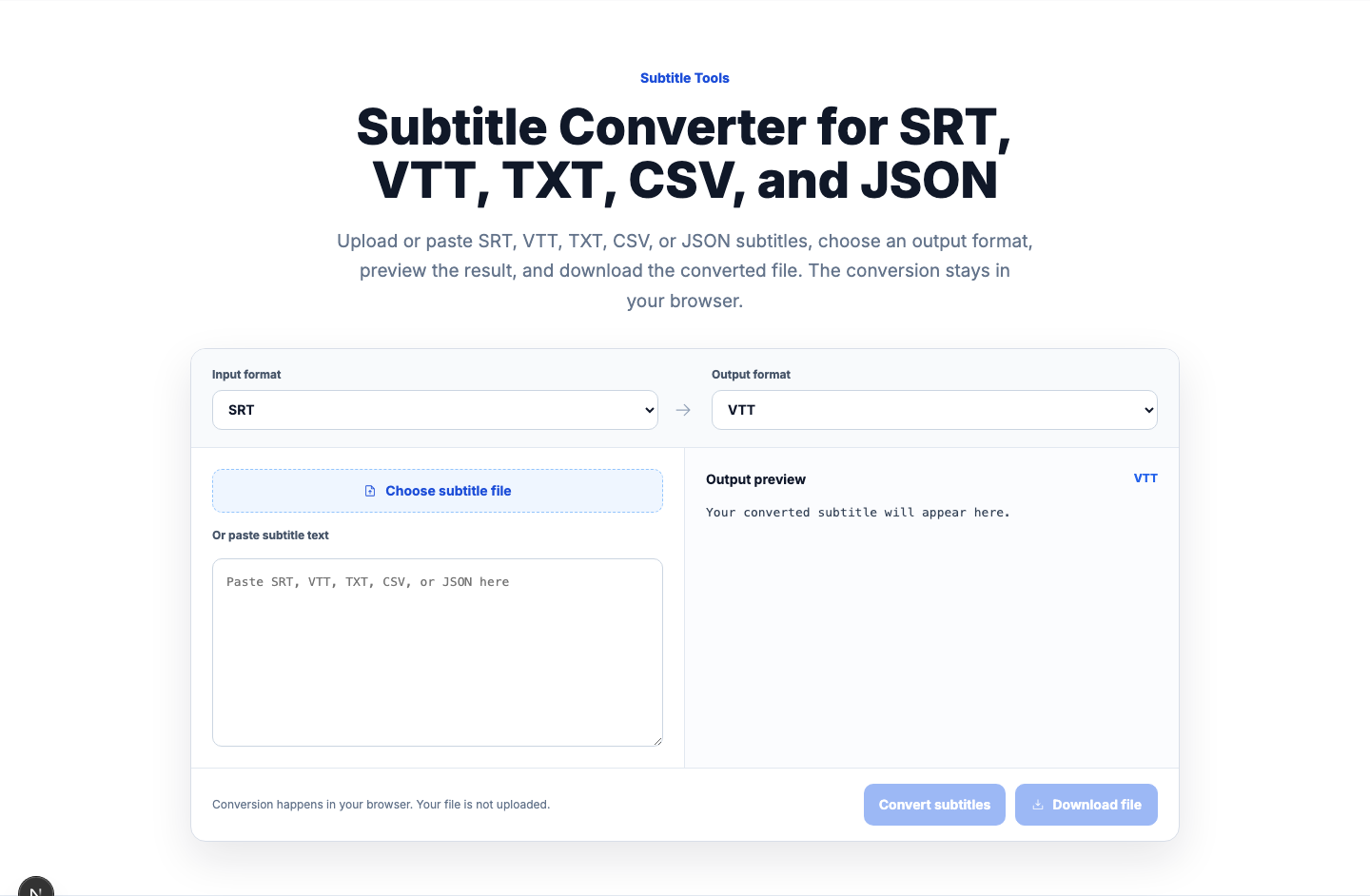
Upload or paste SRT, VTT, TXT, CSV, or JSON subtitles, choose an output format, preview the result, and download the converted file. The conversion stays in your browser.
Your converted subtitle will appear here.
Conversion happens in your browser. Your file is not uploaded.
VidiRelay converts existing SRT, VTT, TXT, CSV, and JSON files directly in your browser. Upload a file or paste subtitle text, check the output, then download the new format without creating a transcript job.
Load the existing subtitle file before choosing a new format.
Check a few caption blocks to confirm line breaks and sync.
Export the format that matches the player or handoff need.
Worked example
These examples show when converting an existing subtitle file helps with playback, editing, or structured review.
Switch between TXT, SRT, VTT, CSV, JSON, and DOCX to match your review, playback, or handoff workflow.
Convert a subtitle file in three direct steps.
Choose an SRT, VTT, TXT, CSV, or JSON file, or paste its contents into the converter. Select the input format if it was not detected from the filename.
Adjust wording, line breaks, or segment text so the output matches your intended captions or transcript copy. This gives you a chance to review and edit the transcript before publishing.
Download the transcript as SRT, VTT, TXT, CSV, or JSON based on where the file will be used next. The result is a file you can hand off, publish, archive, or continue editing elsewhere.
Different formats suit different publishing and editing jobs.
SRT uses numbered caption blocks with start and end times. It is a common choice when you need a standard subtitle file for video platforms, editors, or handoff to another team.
VTT is a web-focused subtitle format often used with browser-based playback. If your player or site expects WebVTT, exporting VTT helps you keep timing in a format built for that use.
TXT removes timing structure and leaves plain transcript text for notes, articles, or classroom materials. CSV and JSON keep structured fields, which helps when you need rows or objects for review, analysis, or import into other tools.
A focused browser-based converter for the most common subtitle and transcript file formats.
A few limits matter when you are planning subtitle exports.
FAQ
Yes. If your transcript is complete and timestamped, you can export it as an SRT file with numbered caption blocks and time ranges.
SRT is a widely used subtitle format with simple numbered blocks. VTT is aimed at web video use and is often preferred when a browser-based player expects WebVTT.
Yes. Upload an SRT, VTT, TXT, CSV, or JSON file, choose the output format, preview the result, and download it. The file is converted locally in your browser.
Yes. You can review the transcript with timestamps and edit the text before exporting, which helps you prepare subtitles or plain-text versions for publishing.
What to try: Open the file, correct broken cue numbering or timestamps, and try again
What to try: Choose a target format that matches your playback or editing needs more closely
What to try: Save the source file with a common text encoding such as UTF-8 and retry
What to try: Review the CSV import settings and adjust separators or quoting as needed
What to try: Check the original subtitle file for timestamp issues and review cues before final use
To create transcript files before converting them into subtitle formats
To generate transcript content from audio before export conversion
To create transcript exports from public YouTube videos
To create transcript exports from public Instagram videos
Official specification for VTT subtitle files
Reference for SRT subtitle format and common usage