Load clip transcript
Open the public TikTok link and pull the spoken text into one view.
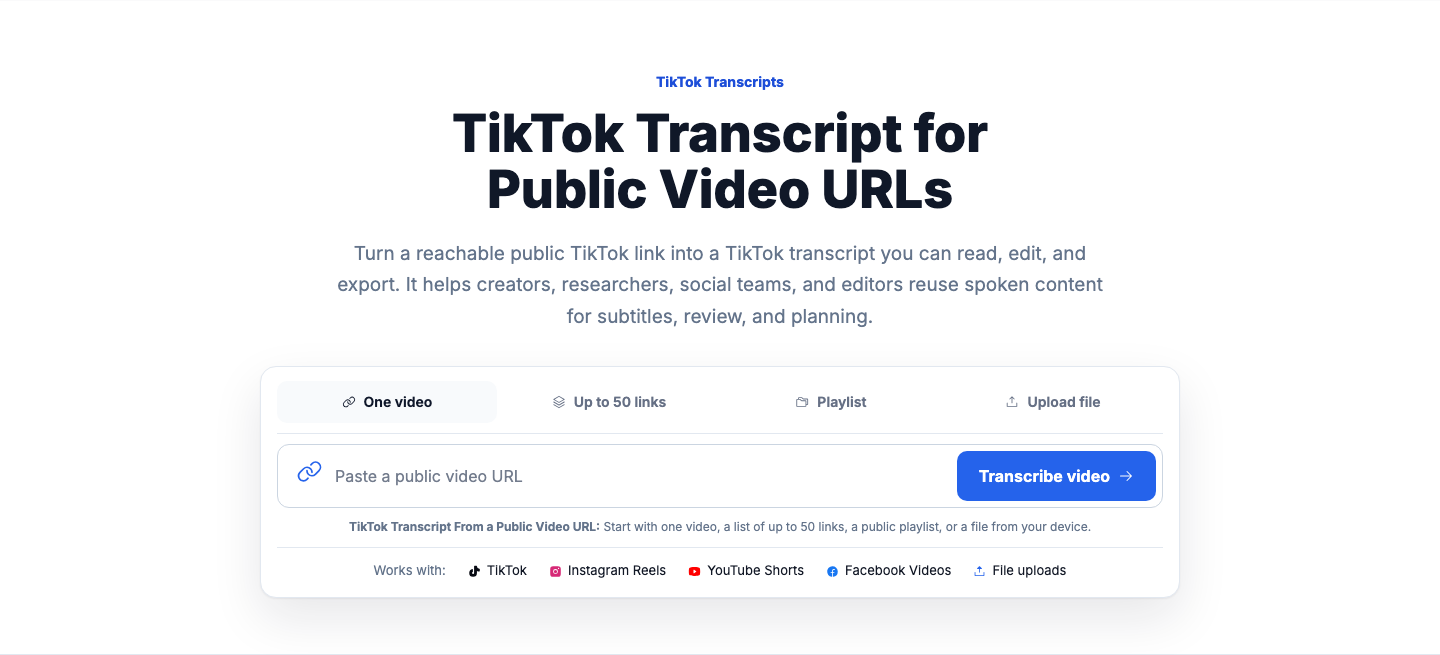
TikTok Transcripts
Turn a reachable public TikTok link into a TikTok transcript you can read, edit, and export. It helps creators, researchers, social teams, and editors reuse spoken content for subtitles, review, and planning.
TikTok Transcript From a Public Video URL: Start with one video, a list of up to 50 links, a public playlist, or a file from your device.
To get a TikTok transcript, paste a public TikTok video URL and generate the transcript from the available video and caption data. You can then review the text with timestamps, make edits before publishing, and export it in text or subtitle formats for reuse.
Open the public TikTok link and pull the spoken text into one view.
Look at the first sentence to identify the opening pattern.
Export as TXT when comparing hooks across clips.
Worked example
These examples cover practical ways to turn speech from a public TikTok post into text for review and reuse.
Add the public link for the TikTok post you want to transcribe. The system checks whether the video is reachable and can be processed from the public source.
Create the transcript from the available speech and caption information, then read it with timestamps. Review names, phrasing, and line breaks so the text matches what you want to publish or save.
Download the finished transcript as TXT, SRT, VTT, CSV, JSON, or DOCX-ready text. That gives you a practical way to download TikTok transcript output for subtitles, notes, or editing work.
Paste a public TikTok link, check the transcript, and export it for notes, subtitles, or content review.
A transcript is useful when you need the spoken content in a form you can search, edit, and reuse.
The first step is pasting a public TikTok video URL. If the video is reachable, you can turn that TikTok video transcript into working text without copying lines by hand.
Completed transcripts include timestamps so you can check where a line appears in the video. You can review and edit the transcript before exporting subtitles, sharing quotes, or building new content from it.
A TikTok to transcript workflow helps when you need subtitle files, content notes, or source material for summaries and rewrites. It is also useful for checking talking points across multiple public posts.
The process starts with a single public TikTok video and ends with editable text or subtitle files.
Add the public link for the TikTok post you want to transcribe. The system checks whether the video is reachable and can be processed from the public source.
Create the transcript from the available speech and caption information, then read it with timestamps. Review names, phrasing, and line breaks so the text matches what you want to publish or save.
Download the finished transcript as TXT, SRT, VTT, CSV, JSON, or DOCX-ready text. That gives you a practical way to download TikTok transcript output for subtitles, notes, or editing work.
These details answer the main questions people have before starting with a TikTok link.
Not every TikTok link can be turned into a transcript, and some results will need a human review before use.
FAQ
Paste the public TikTok video URL and generate the transcript from the reachable source. After it is created, review the timestamped text and edit it before exporting or publishing.
Yes, you can export completed transcript work in subtitle formats such as SRT and VTT. You can also export plain text and other file types if you need notes, research material, or editing copy.
The most common reason is that the post is not publicly reachable, has been removed, or is blocked in your region. A login requirement or source availability issue can also prevent transcript creation.
Yes, once the transcript is ready, you can use it to review quotes, build summaries, draft captions, or compare talking points across posts. That makes it useful for creators, editors, and social teams working from spoken content.
What to try: Use a public TikTok URL that opens and plays in a browser
What to try: Paste the direct URL for the individual TikTok post
What to try: Choose clips with clearer speech and review the transcript for corrections
What to try: Confirm the post is publicly accessible from your location and try again later
What to try: Paste a clean direct link copied from the share option or address bar
For public short-form video transcription from Instagram
For general video transcription workflows across sources
To convert transcript files into subtitle formats
If you are working from extracted audio instead of a video link
Official resource for post visibility, sharing, and playback questions
Library of Congress reference for SRT subtitle format basics